The NorthCore Blog
Computer Repair Guides
From the NorthCore Workbench
Troubleshooting steps, repair decisions, and build advice informed by hands-on work in Davis, CA.
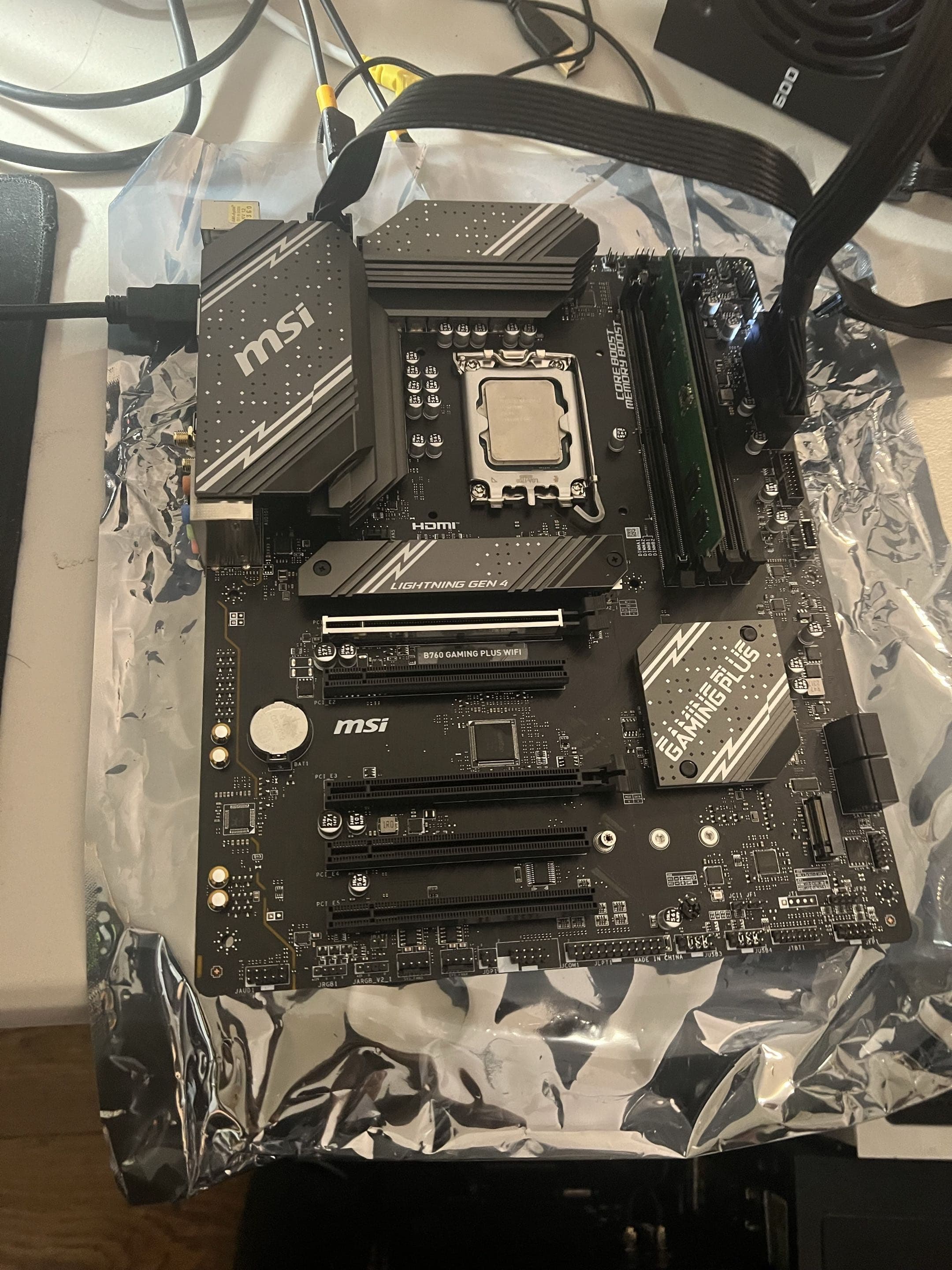
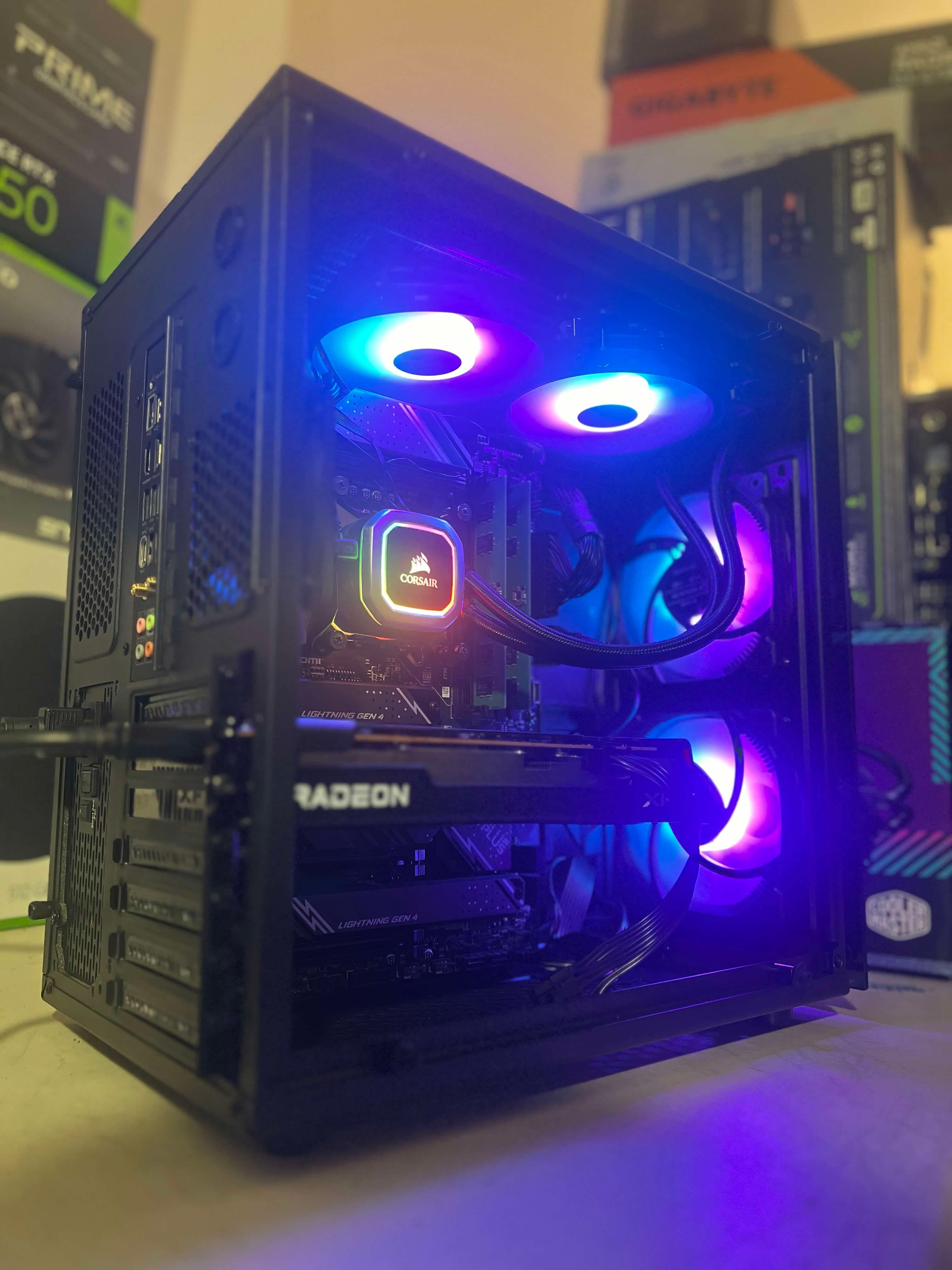
Should You Update Your BIOS? When It Helps and When to Leave It Alone
A BIOS update can add hardware support or resolve a documented problem, but it is not routine maintenance for every working PC. Learn when an update makes sense, what can go wrong, and what NorthCore checks before and after a firmware change.
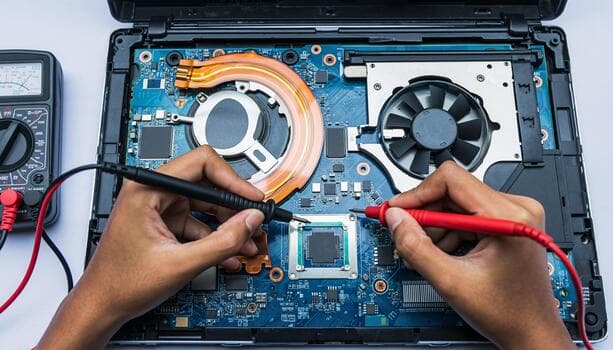
Laptop Not Charging: Is It the Charger, Battery, or Charging Port?
A laptop that will not charge may have an incorrect or failed adapter, a worn battery, a damaged DC jack, a USB-C power mismatch, or a motherboard fault. Learn what each symptom can tell you and what still needs testing.
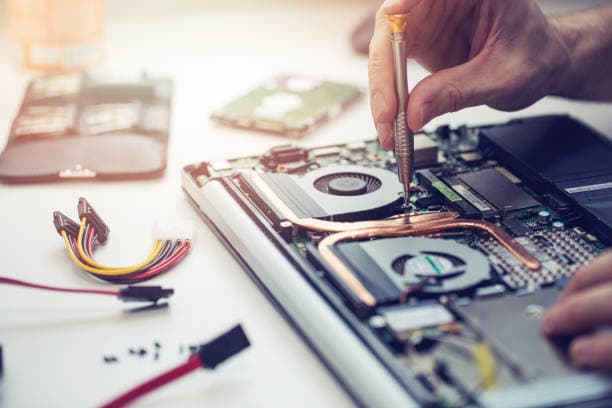
How Much Does Laptop Repair Cost? What Changes the Final Quote
Laptop repair cost depends on diagnosis, disassembly, model-specific parts, data work, and the condition of the surrounding hardware. See how NorthCore builds a quote before you approve a repair.
How NorthCore Recovered an X570 PC That Would Not POST After a Failed BIOS Update
A Gigabyte X570 AORUS Elite stopped completing POST after a firmware update failed. NorthCore used the board's Q-Flash Plus recovery feature, then restored and verified the settings needed for Windows, Valorant, and Warzone.
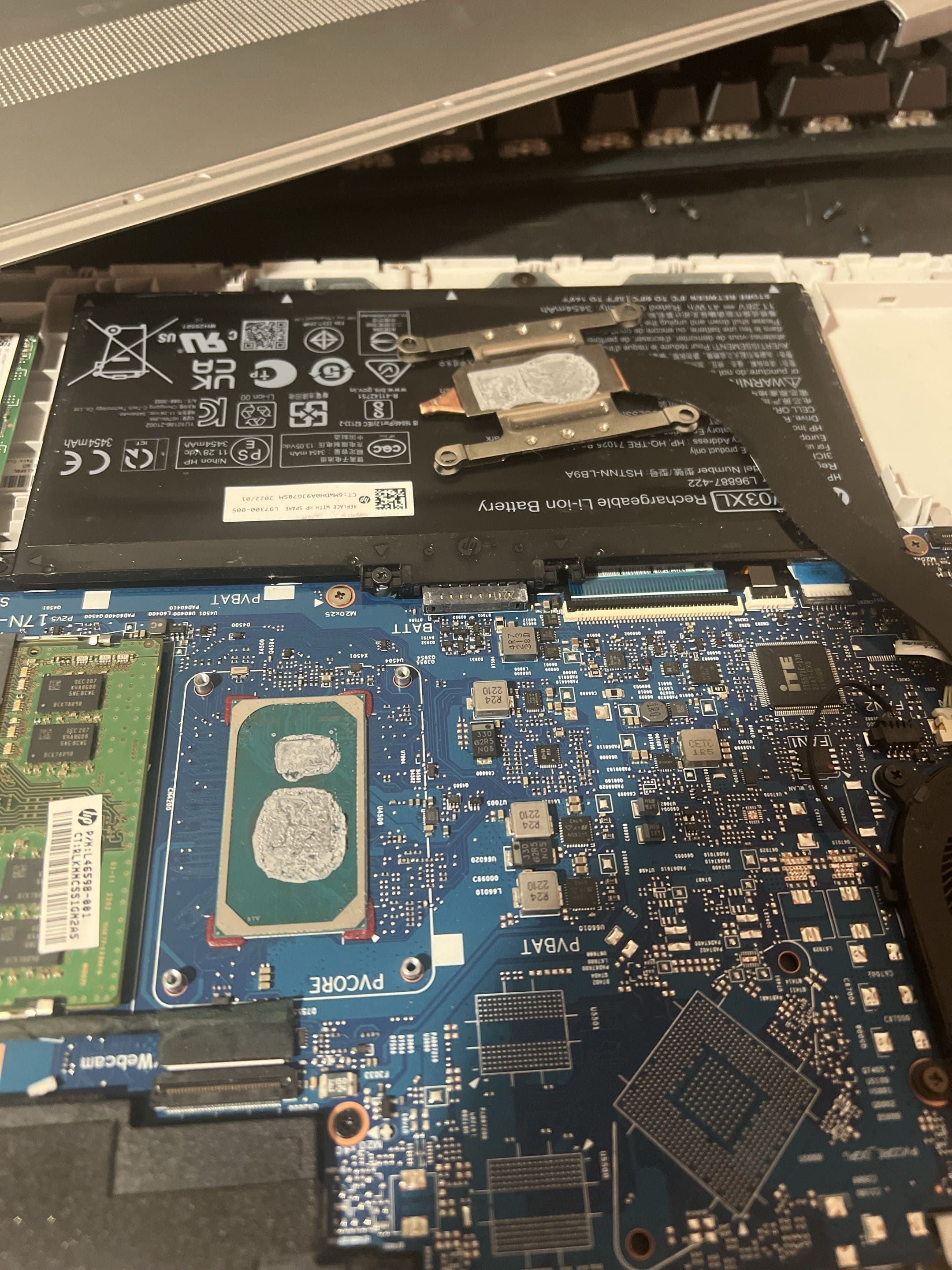
Where Can You Get a Laptop Cleaned in Davis?
What laptop cleaning can address, when a diagnosis matters more, and what Davis customers should ask before booking service.
How Much Does Computer Repair Cost in Davis, CA?
A practical guide to diagnostic fees, repair estimates, parts, and the questions to ask before approving computer repair in Davis.
Laptop Won't Turn On Before Class? A UC Davis Student Guide
Safe first checks, data precautions, and local next steps when a student laptop suddenly stops turning on in Davis.
Dropped Your Gaming Laptop? What Should You Do Next?
Immediate safety steps, hidden damage to watch for, and how to decide whether a dropped gaming laptop is worth repairing.
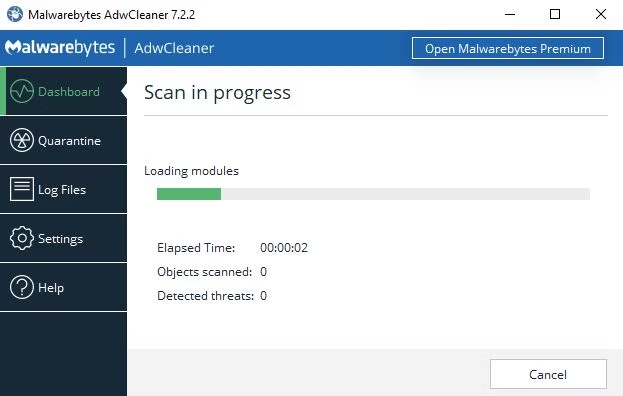
Clicked a Fake Virus Warning? What Should You Do Now?
What to do after a fake security alert, download, password entry, payment, or remote-access session, and when to get help in Davis.
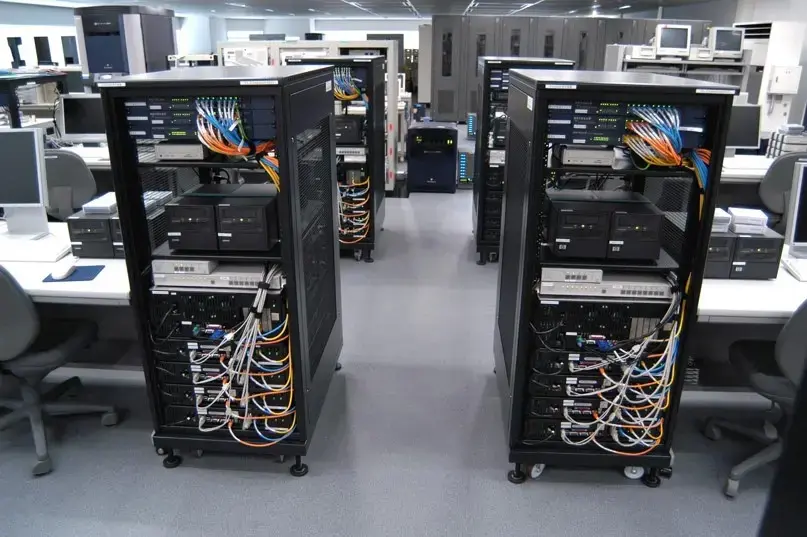
Business Workstation Setup in Davis: What Can a Local Technician Handle?
A clear scope for setting up office computers, monitors, docks, peripherals, and cabling while coordinating with your existing IT provider.
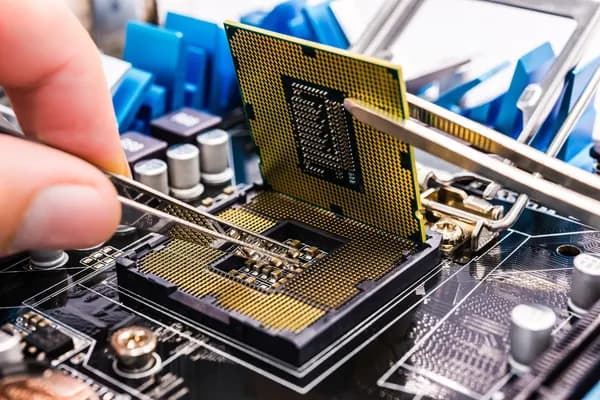
PC Won't Turn On: Is It the Power Supply or the Motherboard?
A ROG Strix Z890 desktop stopped turning on without warning. Component isolation pointed to the motherboard, where inspection found signs consistent with a failing capacitor near the CPU power section.
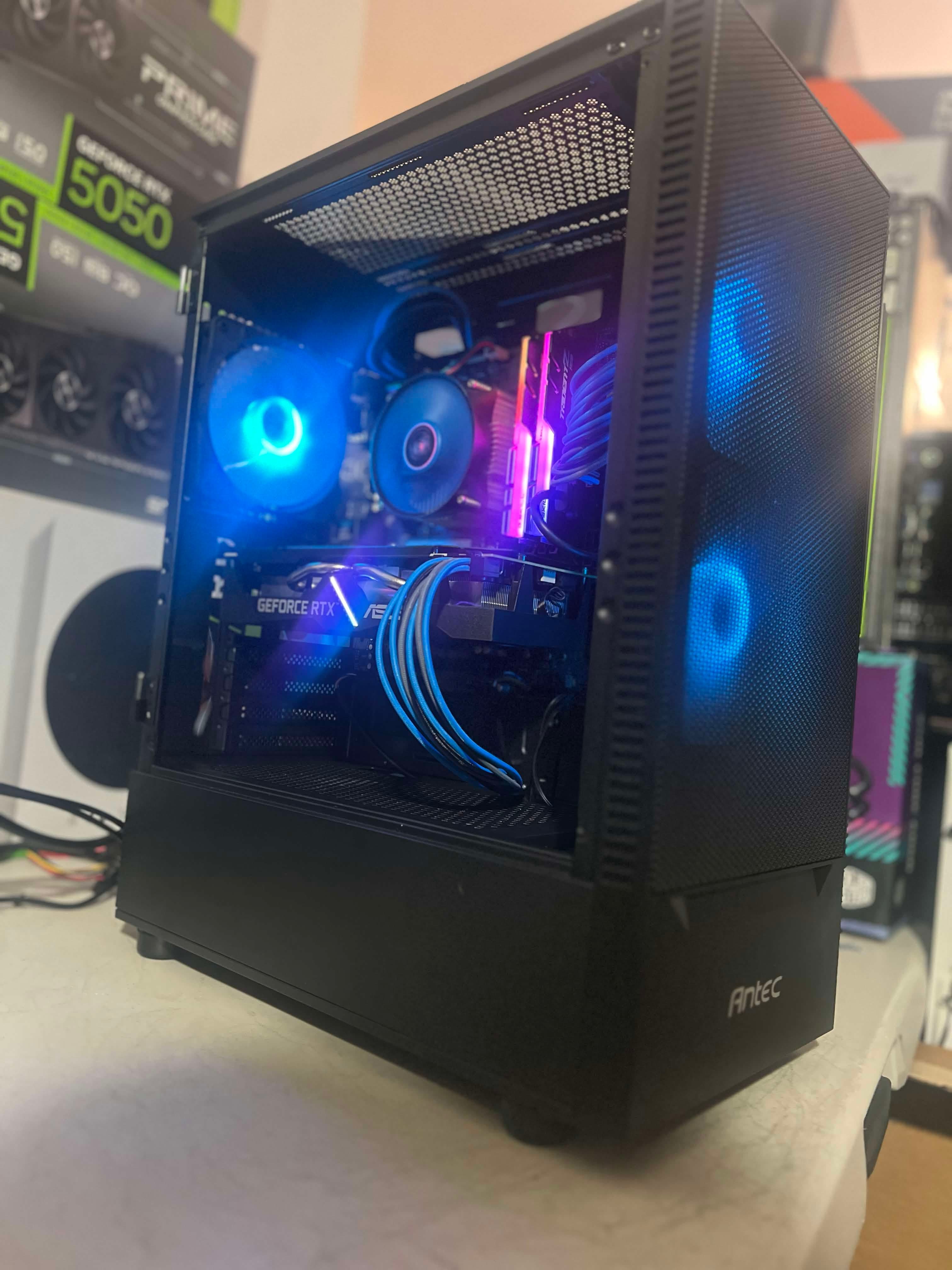
Game Won't Launch Because of TPM 2.0 or Secure Boot?
Learn why anti-cheat systems can block a game when TPM 2.0, Secure Boot, UEFI, VBS, or device attestation does not meet the game's requirements.
PC Turns On but No Display? What to Check First
Start with the monitor, cable, and video port. Then use startup clues to tell a display problem from a PC that cannot complete POST.
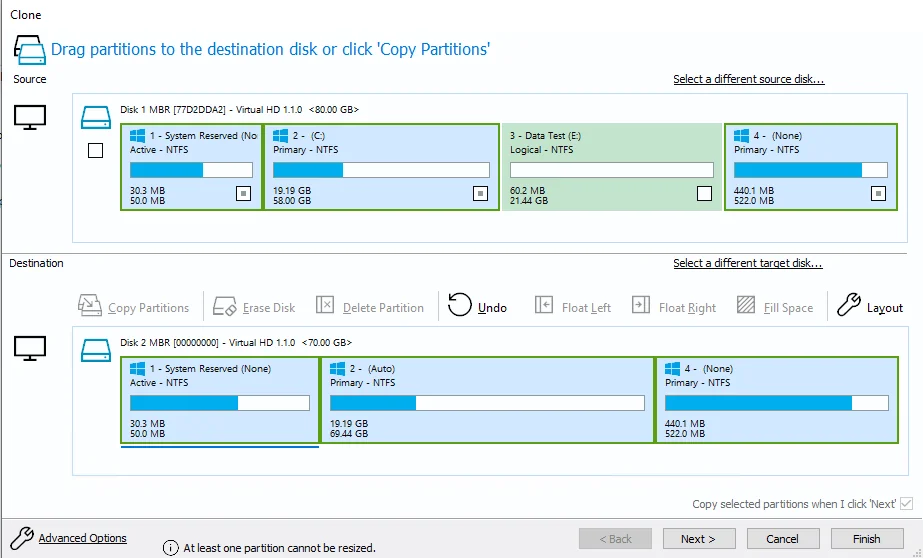
My Hard Drive Is Failing: Should I Clone It or Copy My Files First?
Learn when drive cloning, a file transfer, a fresh installation, or a specialist referral is the safer response to storage warnings and read errors.

Are These Virus Pop-Ups Real? How to Stop Fake Virus Warnings
Learn how to identify fake virus pop-ups, stop unwanted Chrome or Edge notifications, scan Windows safely, and respond if you clicked or called.
Is It Worth Replacing a Cracked Laptop Screen?
Learn when laptop screen replacement makes sense, what else should be inspected after damage, and why the exact model and complete repair quote matter.
Where Should You Take a Computer for Repair in Davis?
Compare a local repair shop, a retail service desk, and manufacturer support. Learn when warranty help or a documented repair quote may matter.
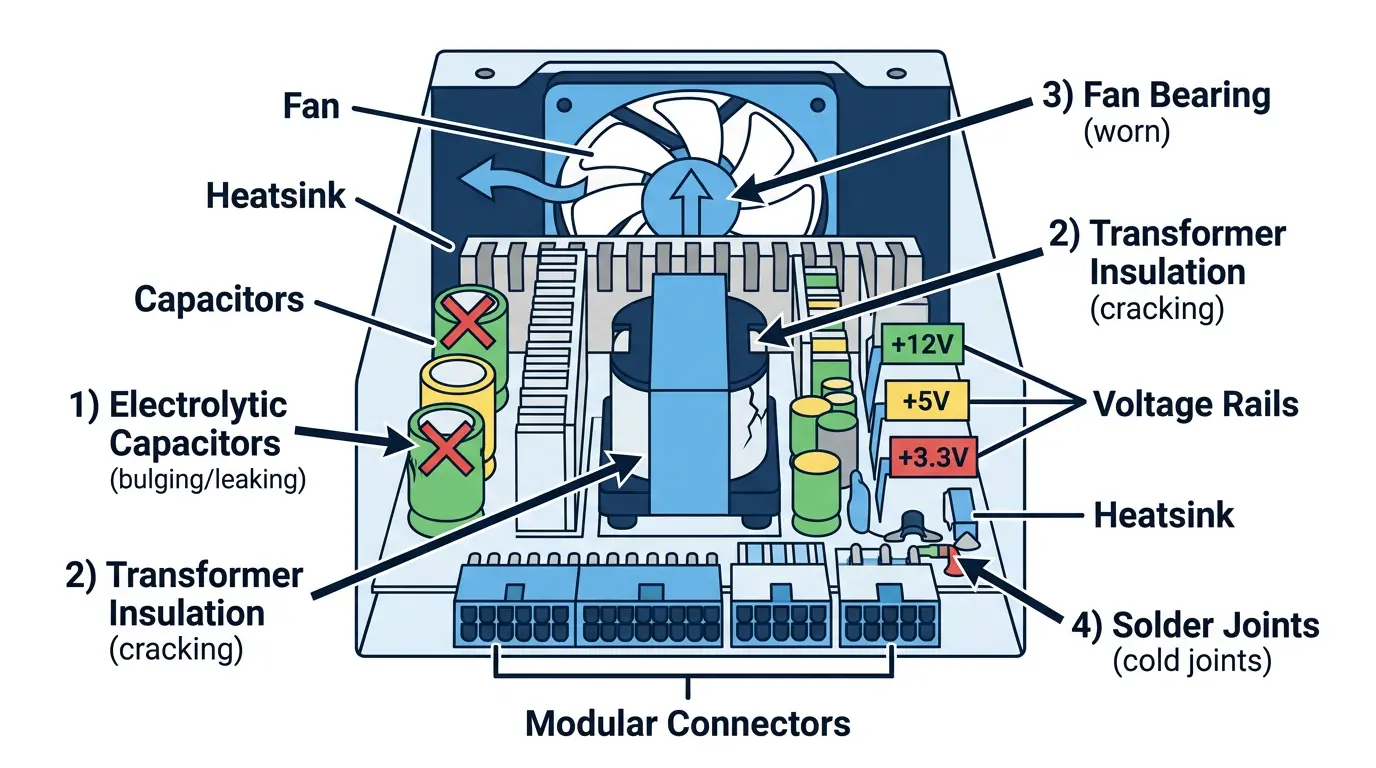
Why This PC Only Crashed Under Load: A Failing Power Supply Case
A Vallejo client's PC showed blue screens, no-display starts, and unexplained shutdowns. Controlled load testing and a known-good PSU revealed the real cause.
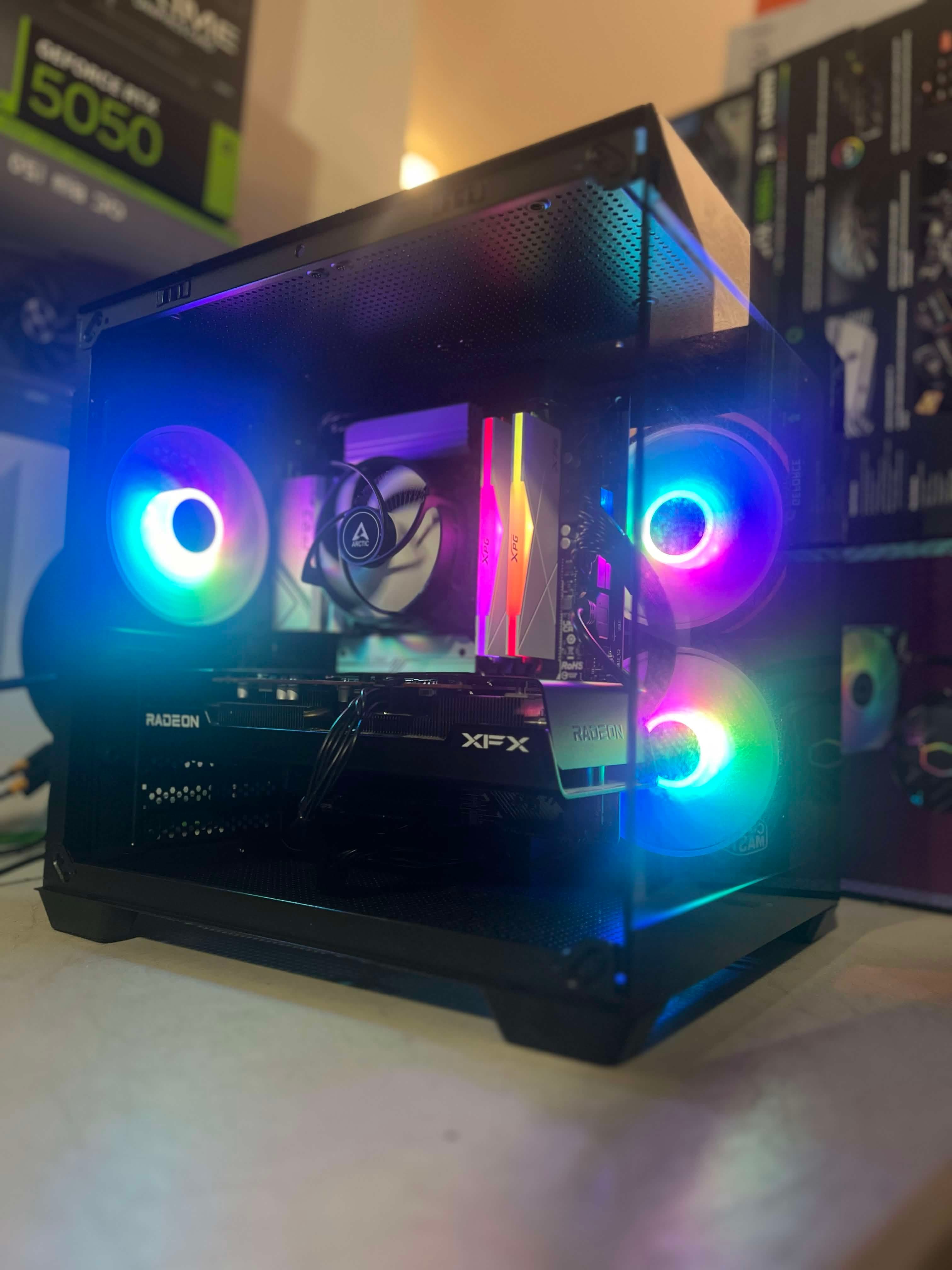
Can a Shop Assemble PC Parts You Already Bought in Davis?
Already bought PC parts or started a build? Learn what a Davis computer shop needs to review, assemble, test, and support your customer-supplied components.
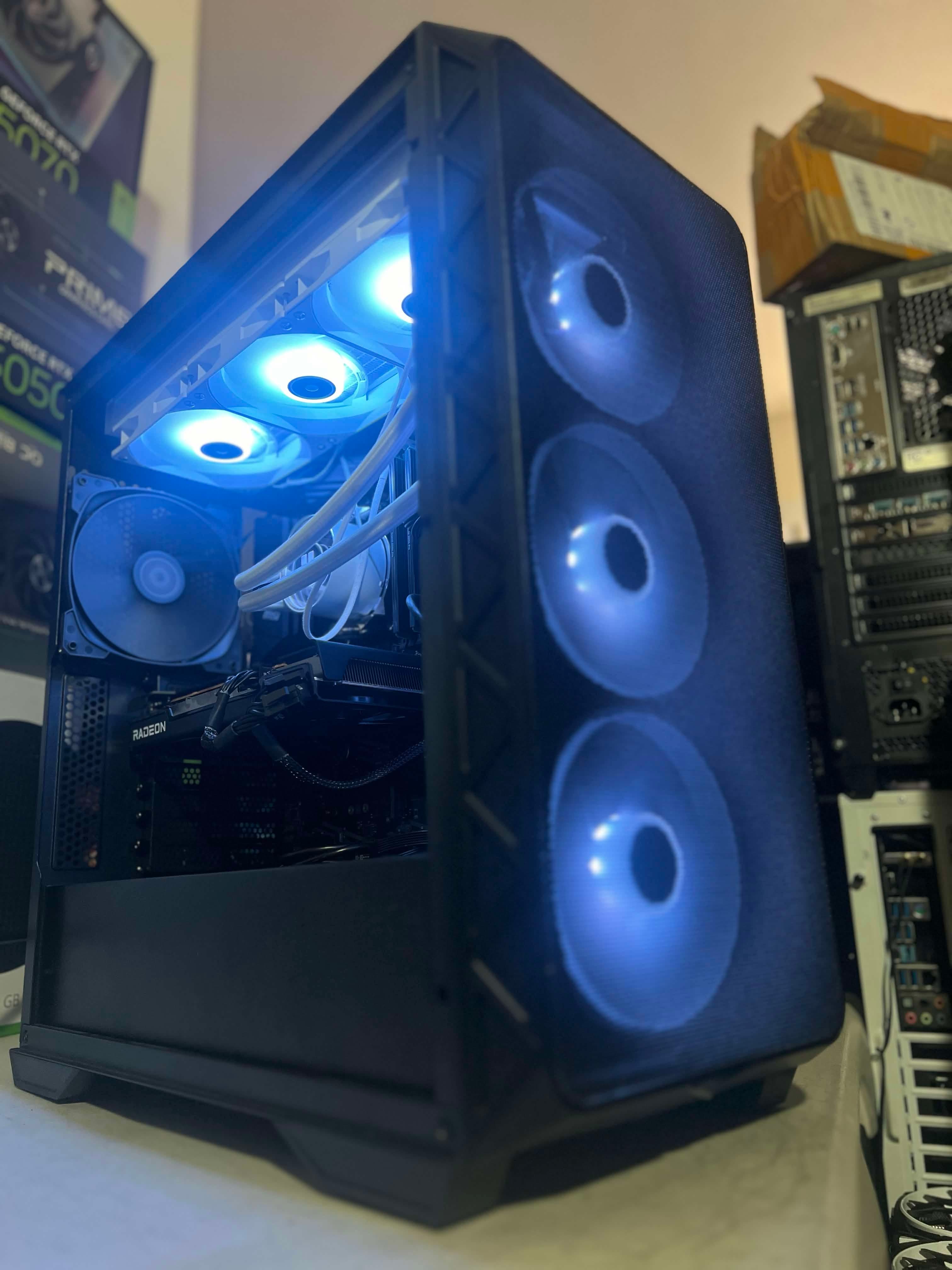
Upgrade, Trade In, or Build New? Planning Your Next PC
Compare the condition of your current PC, your performance goals, and the complete cost before deciding on an upgrade, trade-in, or new custom build.
Custom Windows 11 Installs: Clean Setup, Bloat Removal, and Older PCs
A practical guide to custom Windows 11 installs: optional-app removal, reset vs. clean install, TPM and Secure Boot, unsupported hardware, and preparing your PC.
How I Fixed a Client PC That Crashed Every 5 to 30 Minutes
A client's PC crashed every 5 to 30 minutes. Reliability History and Windows Memory Diagnostic exposed faulty RAM, and replacement memory stopped the crashes.
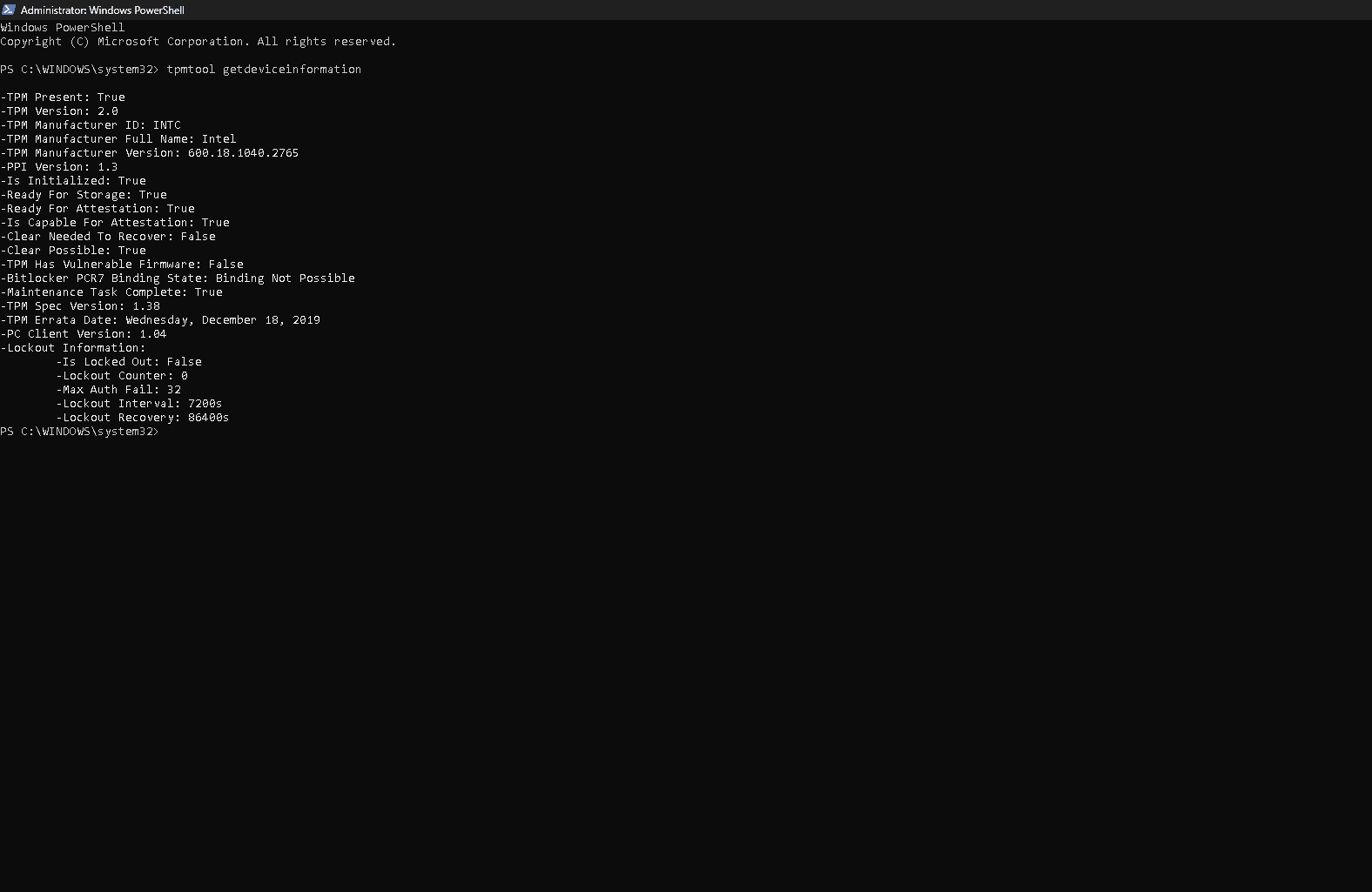
How I Fixed Call of Duty / Warzone TPM Attestation on an Older Intel Z370 PC
On an older Intel Z370 Windows 11 system, Call of Duty attestation only started working after I updated Intel CSME firmware and reprovisioned TPM.
Slow Laptop or Desktop with a Hard Drive? What Our SSD Upgrades Changed
Two NorthCore examples show how moving Windows from a mechanical hard drive to an SSD changed startup and loading from minutes to seconds. An SSD is not the answer to every slow PC.
How NorthCore Allocated Two $300–$500 PC Budgets
One customer needed an affordable school and office PC; another wanted 1080p Fortnite performance. Their similar budgets produced very different AM4 builds and tradeoffs.
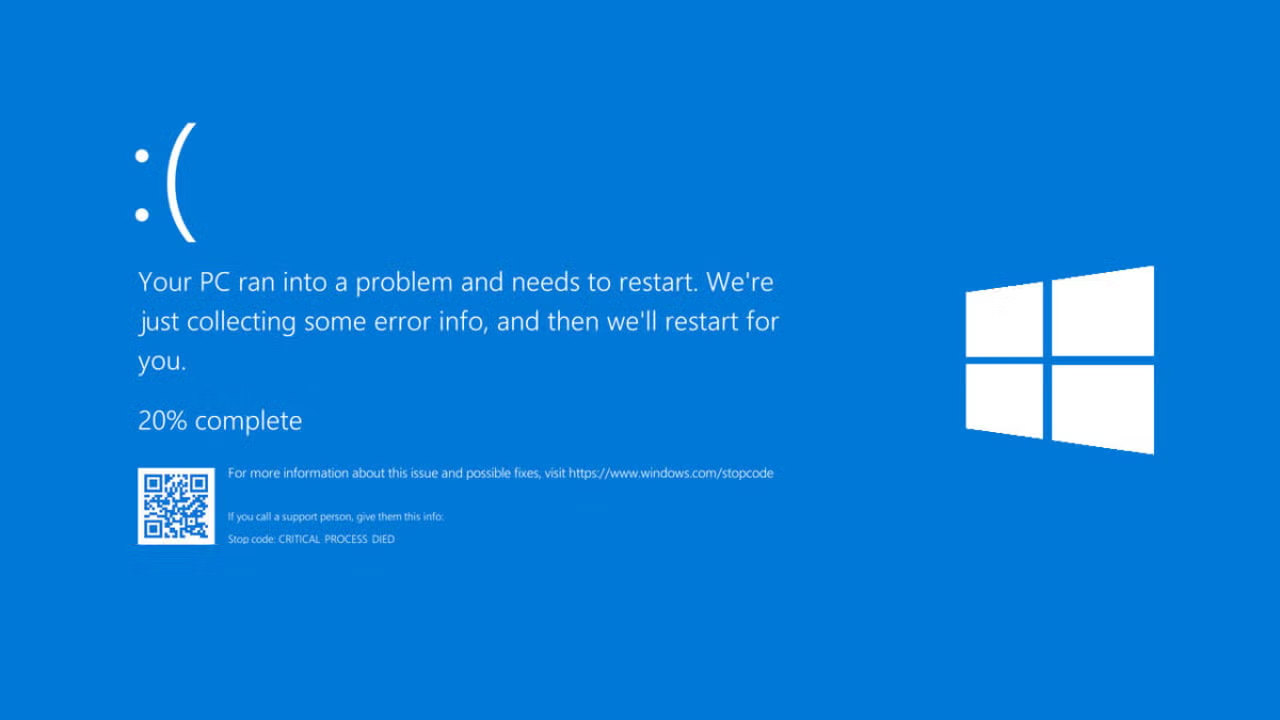
Why Does My PC Keep Blue Screening? What to Check First
If your Windows PC keeps blue screening, use the stop code, Reliability Monitor, memory tests, and a controlled diagnostic order to find the cause.