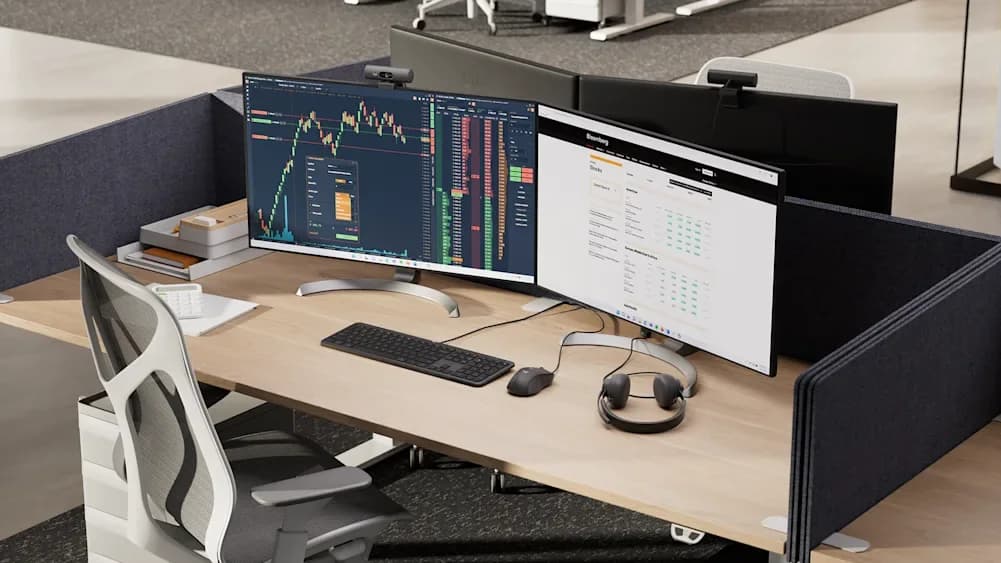
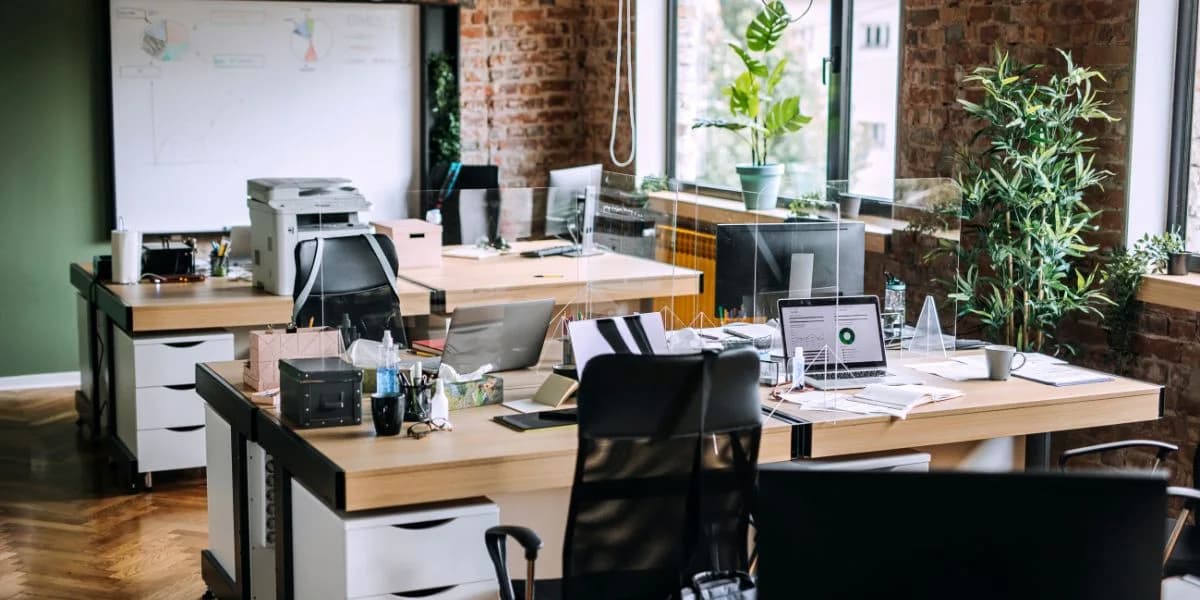
On-site workstation, monitor, and printer setup for businesses, home offices, clinics, and remote staff. We connect compatible printers, install manufacturer drivers, and confirm they print from the workstation.
When staff need equipment installed outside the office, NorthCore handles the hands-on setup. I can pick up workstations, monitors, and peripherals, transport them to the install location, assemble the desk setup, connect internet and accessories, install compatible printer drivers, and confirm that the printer produces a test page. I coordinate with your IT department for account access and final remote configuration where needed.
We confirm the equipment and installation location before the appointment
Printer setup depends on a compatible model, driver, and accessible network or USB connection
We test the agreed hardware and a printer test page before handoff
Your IT team retains control of organization-managed accounts and systems
Serving Davis and nearby communities by appointment.
The setup plan
What Happens From First Call to Handoff
01
Confirm the Setup
Tell us where the equipment is, what goes to each desk, which printers are involved, and who handles account access.
02
Plan Pickup and Timing
We agree on transport, the installation location, available network access, and the work included in the quote.
03
Install and Connect
We position the workstation and displays, connect peripherals, and install compatible printer drivers when included.
04
Test and Hand Off
We check displays and connections, print a test page, and coordinate remaining account or remote setup with your IT team.
Before the appointment
Send the equipment list, printer model, installation address, and your IT contact. Confirm that network credentials, power outlets, and any organization-managed permissions will be available.
What the setup can include
The Details That Make a Workstation Usable.
The quote identifies the equipment, connections, printer work, and handoff checks included for your location.
Equipment Pickup and Delivery
Move approved workstations, displays, docks, and peripherals from a business or staging location to the installation site.
Multi-Monitor Desks
Position displays, connect docks and cables, and check that the expected screens are detected and arranged correctly.
Printer Drivers and Test Prints
Connect a compatible printer, install the manufacturer driver, select the right device, and confirm a page prints from the workstation.
Network Connection
Connect the workstation to available home or office internet so the agreed setup can be checked and your IT team can continue remotely.
Repeatable Refreshes
Coordinate replacement workstations across several desks or locations with each device and accessory accounted for.
IT Team Handoff
Review completed physical setup and stay available while your IT team finishes organization-managed logins, VPN, or imaging.
Printer setup scope
We check that an accessible, compatible printer can print from the workstation. Mechanical repairs, consumables, and changes to a managed print server require separate arrangements or your IT team.
Open a question for a clear answer, or explore the practical guides alongside it.
Yes. I can install workstations at offices, clinics, home offices, and staff residences by appointment.
Yes. For approved business jobs, I can coordinate pickup, transport, and delivery before completing the setup on site.
Absolutely. I handle the physical installation and can coordinate with your IT department while they complete software, login, VPN, or remote access configuration.
Yes, when the printer and network are accessible and the model has a compatible driver. I can connect it, install the manufacturer's driver, configure the workstation to use it, and print a test page. Mechanical printer repairs and organization-managed print-server changes are outside this setup unless separately agreed with your IT team.
Yes. I can support one-time installs or scheduled refresh projects involving multiple workstations over several weeks or months.