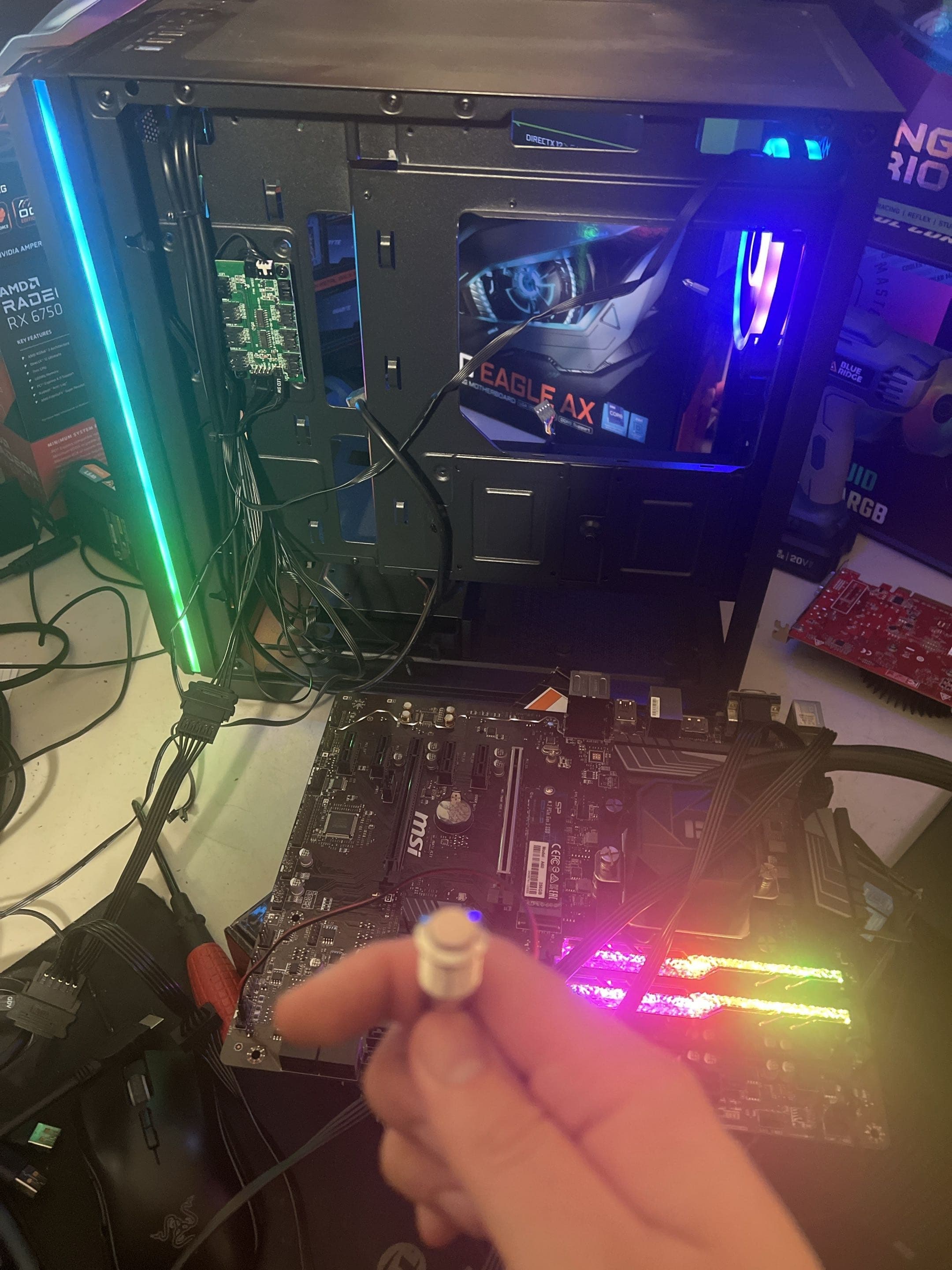
Open desktop PC with a graphics card removed during diagnosis

Desktop, Gaming & Custom PC Repair

Computer Repair
in Davis, CA

PC repair for no-display problems, failed startups, crashes, and overheating. Bring your desktop in by appointment or ask about pickup and return delivery.

Bring your device in by appointment, or ask about repair pickup and return delivery. We confirm your location, timing, availability, and any transport fee before scheduling.

Common computer problems

Start With the Symptom.
Find the Actual Cause.

Different failures can look nearly identical. We use what the computer is doing to guide testing instead of treating the first symptom as the diagnosis.

Won't Start or Display

Power lights without a picture, a dead system, boot loops, or a PC that stops before Windows loads.

  • No power or intermittent power
  • No display and failed POST
  • Boot loops and diagnostic lights
  • Startup and Windows loading failures

Crashes and Poor Performance

Instability can come from hardware, Windows, drivers, or more than one problem at the same time.

  • Blue screens and random restarts
  • Freezing and application crashes
  • Slow startup or everyday performance
  • Gaming crashes and instability under load

Heat, Noise, and Hardware

We inspect the complete system before assuming one expensive component needs to be replaced.

  • Overheating and thermal throttling
  • Loud, damaged, or failed fans
  • Memory, storage, GPU, and PSU faults
  • Upgrade and component compatibility

Diagnosis Before Parts

A Clear Answer Before
You Approve the Repair

NorthCore provides desktop PC repair and troubleshooting for gaming PCs, prebuilt systems, and custom-built computers in Davis, CA. A computer that will not start, crashes under load, or behaves unpredictably needs evidence before it needs replacement parts. We review the symptoms, reproduce the fault where possible, and test the likely hardware and software causes. You receive a clear explanation and repair options before additional work begins.

The original symptoms and recent changes guide the first tests

Hardware and software causes are separated where the evidence allows

Replacement parts and expanded work require your approval

If the repair does not make financial sense, we tell you

Serving Davis, Woodland, Dixon, West Sacramento, and Sacramento by appointment.

Compare repair options in Davis
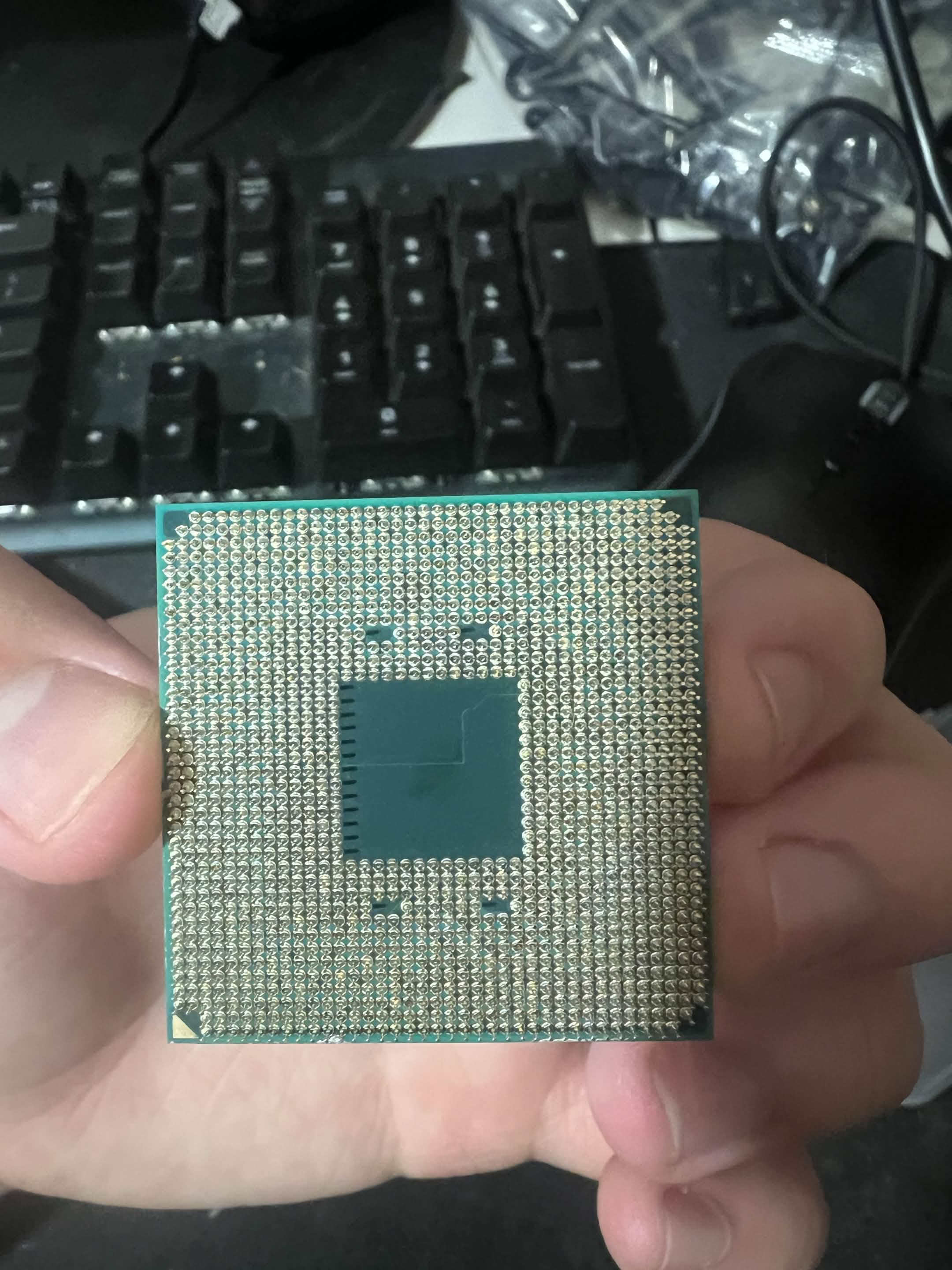
Underside of a desktop processor held for inspection during diagnosis

Hardware inspection

A damaged processor examined during diagnosis

Your repair plan

What Happens From
First Message to Handoff

You do not need to diagnose the computer yourself. A useful symptom history and the right accessories are enough to get started.

  1. Describe the Symptoms

    Tell us what happens, when it began, and whether hardware, software, or settings changed beforehand.

  2. Drop Off or Request Pickup

    Bring the system by appointment, or ask us to arrange repair pickup. Include the power adapter, relevant parts, and photos or notes showing intermittent errors.

  3. Diagnosis and Options

    We reproduce the issue where possible, test the likely causes, and explain the findings and next steps.

  4. Repair and Handoff

    After approval, we complete the agreed work, test the original symptom, and review the repair with you.

What to bring

The computer and required power adapter, photos of error messages, parts involved in a recent upgrade, and any original brackets, cables, screws, or accessories related to unfinished work.

Repair coverage

Desktop PC Repair and Testing
Under One Roof

The exact work depends on the diagnosis. Your quote identifies what is included before the repair begins.

No-Power and No-Display Diagnosis

Testing focused on power delivery, memory, graphics, motherboard signals, connections, and other likely causes.

Boot and Windows Problems

Help with boot loops, startup failures, blue screens, damaged system files, and problems that cross between software and hardware.

Crashes and Instability

Evidence-based troubleshooting for random restarts, freezing, application failures, and instability during games or demanding work.

Cooling and Overheating

Inspection of temperatures, airflow, dust, fan operation, cooler mounting, and system behavior under load.

Hardware Faults

Diagnosis of memory, storage, graphics, processor, motherboard, and power-supply problems without guessing from symptoms alone.

Gaming and Custom-Built PC Repair

PC repair and troubleshooting for custom builds, gaming desktops, prebuilt systems, and computers with recent component changes.

Upgrades and Unfinished Work

Compatibility review, installation help, and troubleshooting when a new part or an unfinished repair leaves the computer unusable.

Customer experiences

Knowledgeable Help.
Clear, Personal Service.

Review counts updated October 1, 2026; platform ratings last verified September 28, 2026. Select a platform to view the source.

I was dealing with constant crashes and random issues with my PC and couldn't figure out what was wrong. I had already tried a few different fixes, but nothing seemed to work. NorthCore was able to track down the problem, explain what was causing it, and get my PC running normally again. Everything has been stable since, and I haven't had any more crashes. Great communication, quick service, and I'd definitely recommend NorthCore to anyone having PC problems.

sojje

Google ·

My PC blew up, and NorthCore was able to diagnose and fix the problem the same day! It turned out to be an issue with my motherboard, and they were incredibly quick and professional in figuring out what was wrong.

digitalhawk

Google ·

Exceptional. Clear communication, understood all the problems clearly, addressed the problems perfectly, and extremely knowledgeable. Highly recommend!

AJW

Google ·

Very good service, had my randomly crashing pc fixed in less than a day. Best computer services in Davis hands down.

Bryan L.

Yelp ·

I was having a really frustrating issue with my PC where it kept crashing, and a few other technicians weren't able to figure out what was causing it. NorthCore was able to diagnose the TPM issue and get everything working properly again. I can finally play competitive games with anti-cheat without any problems. Really happy with the service and would definitely recommend them.

Eujean K.

Yelp ·

They took care of everything, including installing Windows 11, all the drivers and updates, and making sure Secure Boot and TPM 2.0 were enabled so I could play competitive games without any issues.

Lorenzo M.

Yelp ·

Start with the symptoms

Tell Us What Your
Computer Is Doing.

Share the error message, unusual behavior, and anything that changed before the problem started.

Request Computer Repair

FAQ & Guides

Computer Repair Questions & Resources

Open a question for a clear answer, or explore the practical guides alongside it.