A client drove from Vallejo to my shop in Davis after dealing with an unpredictable desktop. It had shown blue screens, started with no display, loaded directly into the BIOS, and sometimes needed a CMOS reset before it would boot normally again.
Another repair store had suggested that cords connected to the computer might be responsible. A bad external cable or peripheral can cause real problems, so I kept that history in mind. However, the symptoms still needed to be reproduced and tested before blaming a cable or replacing any part.
The PC Started Normally When It Arrived
The CMOS battery had been left out for roughly two hours during the drive. When I first powered on the PC, it started immediately and reached Windows without the no-display problem. That was encouraging, but one successful boot did not explain the previous failures.
A long CMOS reset can clear firmware settings that contribute to startup trouble. It can also make an intermittent problem appear to be gone. Instead of returning the computer after a clean boot, I continued testing it under the conditions most likely to expose instability.
Reliability History Confirmed the Crashes, but Not the Cause
I checked Windows Reliability History for events around the reported failures. Windows recorded unexpected shutdowns, but there was no useful stop code or hardware error identifying a specific component. That told me the system was losing stability abruptly, but it did not tell me whether the cause was memory, temperature, graphics, power, or something else.
An unexpected-shutdown entry confirms that Windows did not close normally. By itself, it is not proof that the power supply failed; the original symptom still has to be reproduced and competing causes have to be tested.
The Failure Only Appeared Under Heavy Load
The desktop behaved normally during light use. When I placed the graphics card under a sustained FurMark load, however, the PC crashed after about one to two minutes. Repeating the test produced the same pattern: it could sit in Windows, but it became unstable when power demand increased.
That repeatable load-dependent behavior was the most important clue in the diagnosis. It gave me a controlled way to test one change at a time instead of guessing from a collection of unrelated-looking startup symptoms.
I Ruled Out Memory and Overheating
I installed known-good RAM and repeated the load test. The crash still occurred, which made the original memory much less likely to be the cause. I also monitored CPU and GPU temperatures. Neither component reached a temperature that explained the shutdown.
With known-good memory installed, temperatures remaining in range, and the same failure returning only under a demanding workload, the power supply became the leading suspect. A PSU can appear normal at idle but fail when the CPU or graphics card asks it to deliver more power.
A Known-Good Power Supply Confirmed the Diagnosis
I connected a known-good power supply and ran the same stress test again. This time the computer remained stable instead of crashing after a minute or two. The workload, memory, and monitored temperatures were unchanged; the meaningful change was the power source.
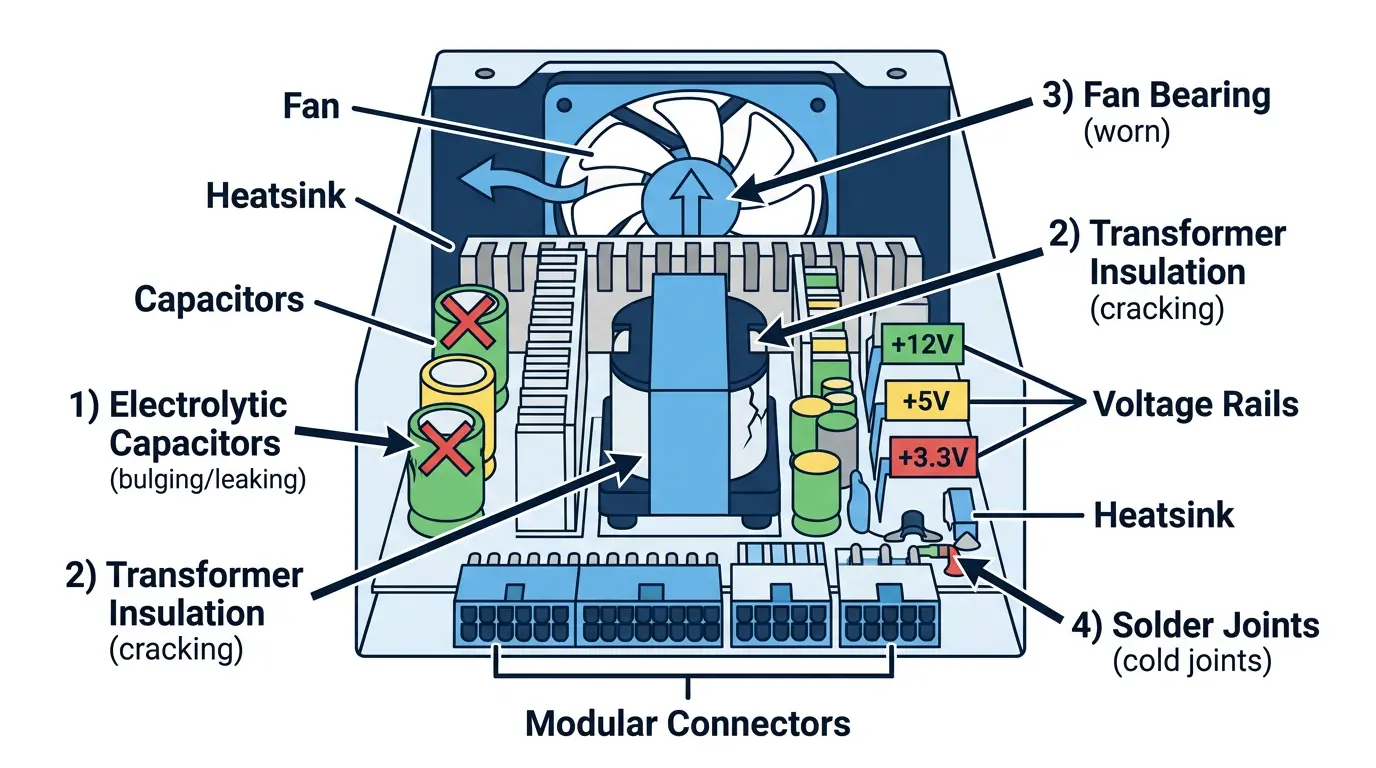
That before-and-after result confirmed the original power supply was failing under load. I did not need to speculate about which internal PSU component had failed. The original unit repeatedly crashed during the same test, while the known-good replacement completed it normally.
What This Repair Case Shows
- A computer that boots successfully can still have a serious intermittent hardware problem.
- Reliability History is useful for building a timeline, even when it does not name the failed component.
- A repeatable stress test can reveal failures that never appear during light desktop use.
- Known-good parts help isolate a fault without replacing several components at once.
- Normal temperatures do not rule out a power-delivery problem.
- The repair should be verified by repeating the workload that originally caused the crash.
When to Stop Using a Suspected Power Supply
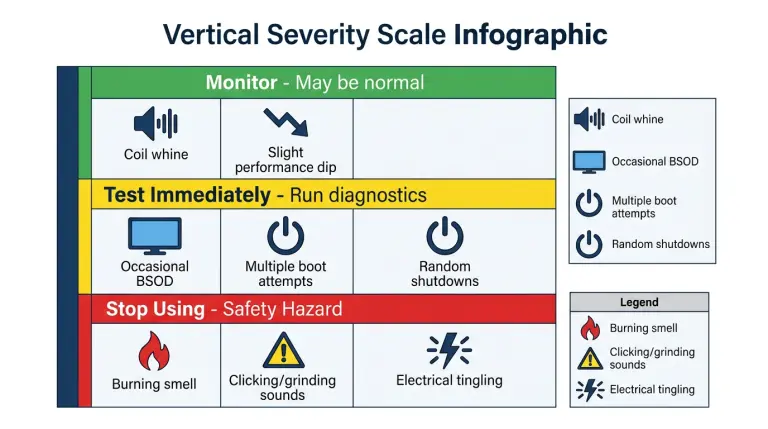
Repeated shutdowns, blue screens under load, multiple boot attempts, or sudden loss of display are reasons to have the system tested. Stop using it immediately if you notice a burning smell, electrical tingling, sparking, or unusual clicking or grinding from the power supply area.
Do not open a desktop power supply. Its internal capacitors can retain dangerous voltage even after the PC is unplugged. Diagnosis should be performed with external measurements, controlled testing, and a compatible known-good unit.
In this case, the long drive and CMOS reset made the PC look healthy at first. Testing beyond the first successful boot exposed the real pattern: it failed only when demand increased. Once the same test stayed stable on a known-good power supply, the client had a clear diagnosis instead of another guess.
If your computer shuts down, blue screens, or loses display under load, NorthCore offers local help with computer repair.