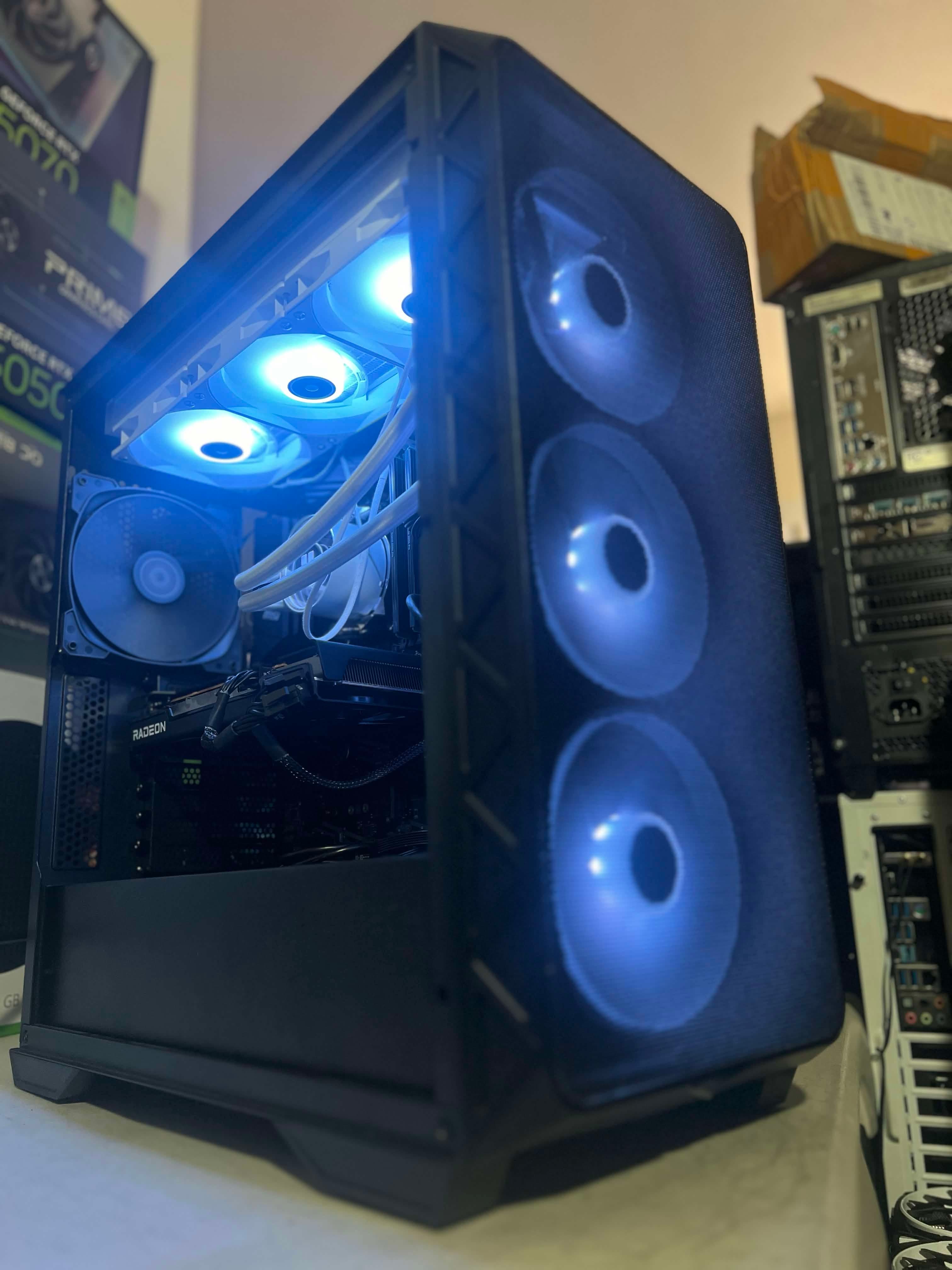
A new PC is one way to improve your setup, but an upgrade or trade-in may fit your plans too. The useful comparison starts with the computer you own, what you need it to do, and your total budget. NorthCore offers consulting and trade-in assessments in Davis to help you work through those choices.
Define What You Want to Improve
Be specific about the problem or goal. Wanting more storage is different from wanting smoother gaming on a higher-resolution monitor. List the games or applications, your display, and what your current PC struggles with. If the computer crashes or overheats, discuss diagnosis first so a purchase decision is based on its actual condition.
When an Upgrade Is Worth Discussing
An upgrade can make sense when the existing system is healthy and a limited change addresses your needs. Compare the proposed component with the rest of the system, including fit, cooling, power, and compatibility. Ask which parts can stay and which additional changes would be necessary. Include installation and setup in the comparison.
What to Share for a Trade-In Assessment
Send the exact specifications, clear photos, and an honest description of the condition. Mention known faults, previous repairs, missing accessories, or components you want to keep. Explain what you hope to move to, whether that is a different gaming setup or a workstation.
- CPU, graphics card, motherboard, RAM, storage, and power supply models.
- Case photos and a description of cosmetic and operating condition.
- Any known crashes, cooling issues, or other faults.
- What you want to keep, including storage drives or peripherals.
- Your next-PC goals and budget.
A trade-in inquiry is the start of an assessment. NorthCore confirms acceptance, valuation, and terms individually after reviewing the computer. Original purchase price alone does not establish an offer. Agree on the value and how the transaction will work before handing over ownership.
When to Compare a Complete Build
If your goals require several replacements, compare the total upgrade cost with a complete build. A new build also lets you plan the case, cooling, appearance, and future access together. That does not mean every part must be new: discuss whether suitable existing components could be reused and what that means for support.
Compare the Complete Setup
Put the options side by side with the same requirements. Account for parts, labor, any Windows license, file migration, and peripherals you need. A lower hardware price may cover a different scope of work. Ask what testing and workmanship support are included with each option.
Plan for Your Files Before a Trade
Before an agreed trade-in, decide what happens to your storage. Back up the files you need and discuss whether you will keep the drive or arrange an agreed migration and erasure process. Confirm the plan before handing over the computer; a trade-in assessment does not by itself arrange file transfer.
If you are undecided, start with consulting. Bring your specifications and goals so the conversation can compare practical options for your actual PC.
For a review of your current PC and your next-build options, explore custom pc builds.